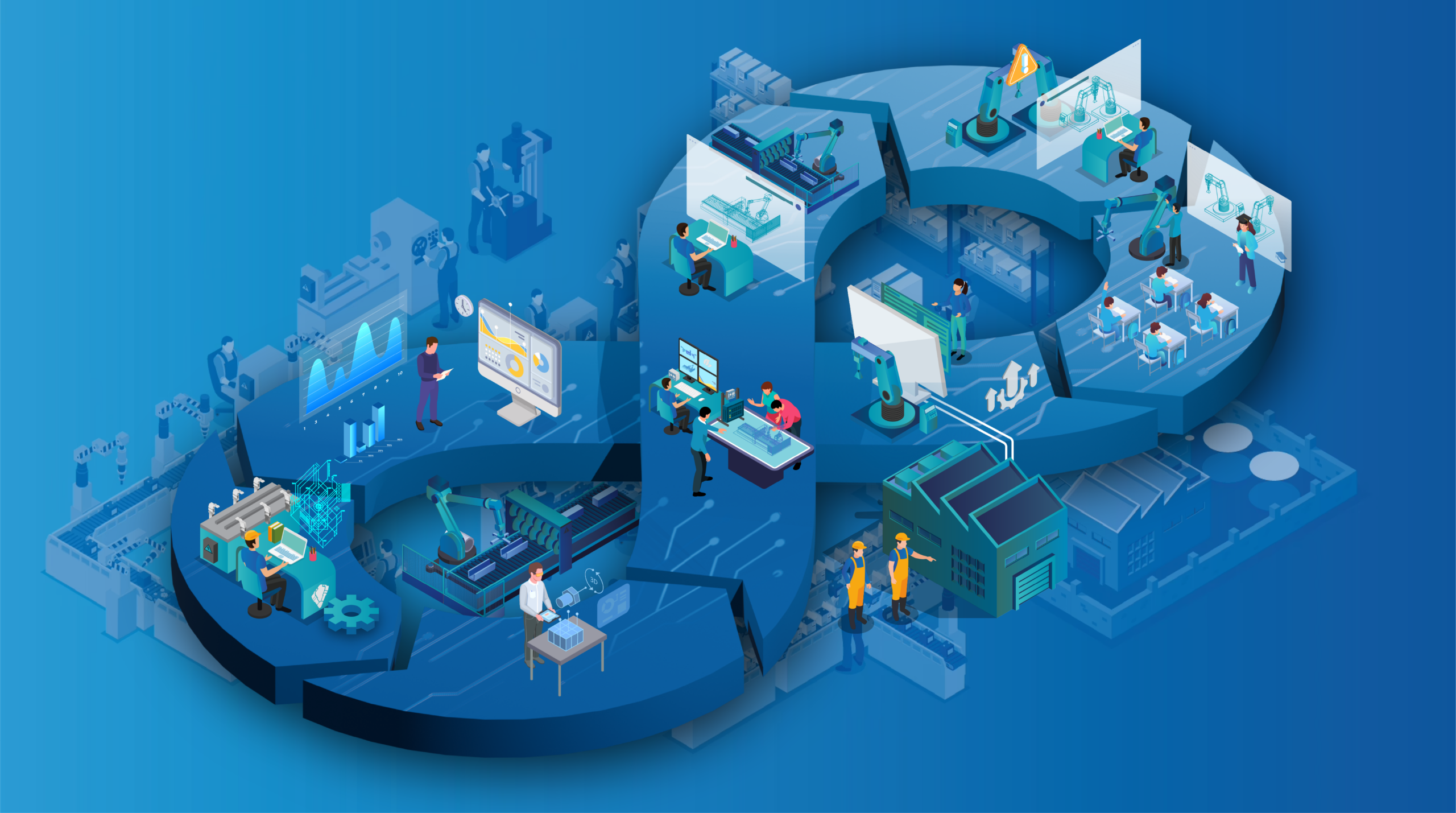
Move through every stage of automation with one connected approach.
Explore proven use cases for testing, validation and production optimization.
From initial planning to production-ready systems and automated engineering workflows.
Build reliable virtual commissioning workflows, industrial software and reusable expertise.
Tools for the Digital Factory
RF::SUITE
One connected platform for engineering, simulation, validation and production intelligence.
Explore RF::SUITE →
Choose the tools your workflow needs and connect them within one consistent engineering environment.

We combine simulation, virtual commissioning and industrial software expertise across demanding production environments.
From individual machines to complex production lines: we connect engineering, simulation and operation throughout the entire lifecycle.
Explore IndustriesWe participate in national and international research projects focused on digital engineering, automation, artificial intelligence and sustainable production systems.
Resilient, sustainable and adaptable industrial production systems.
→ 02 Research Project REDRIVESResilient drive technologies and robust industrial production processes.
→ 03 Research Project DIGIKLEBDigital methods for connected adhesive processes and quality assurance.
→ 04 Research Project GENIUSIntelligent engineering methods for data-driven manufacturing systems.
→Learn more about EKS InTec, our locations, career opportunities and how to get in touch with our team.
Digital Factory | Training
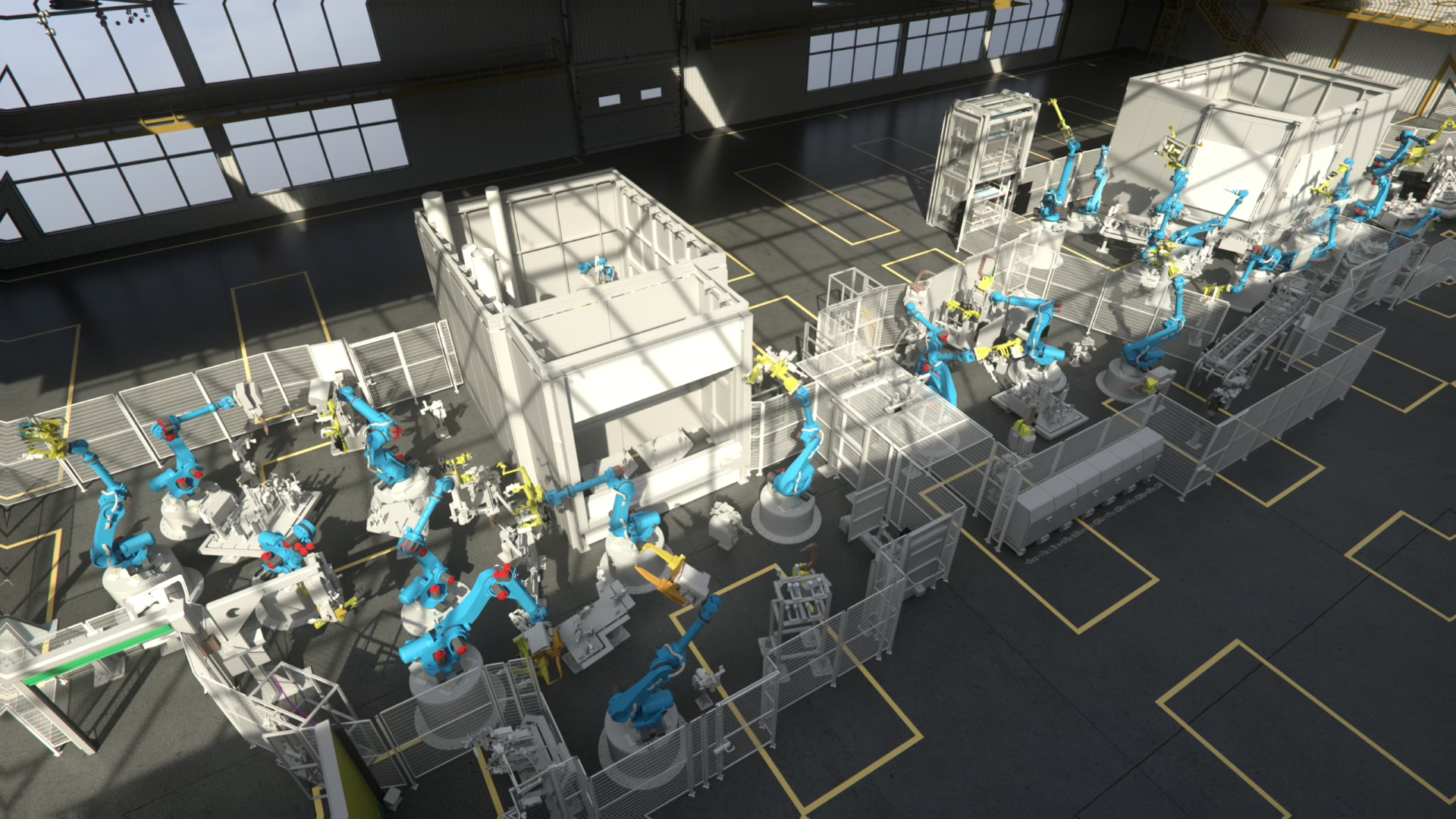
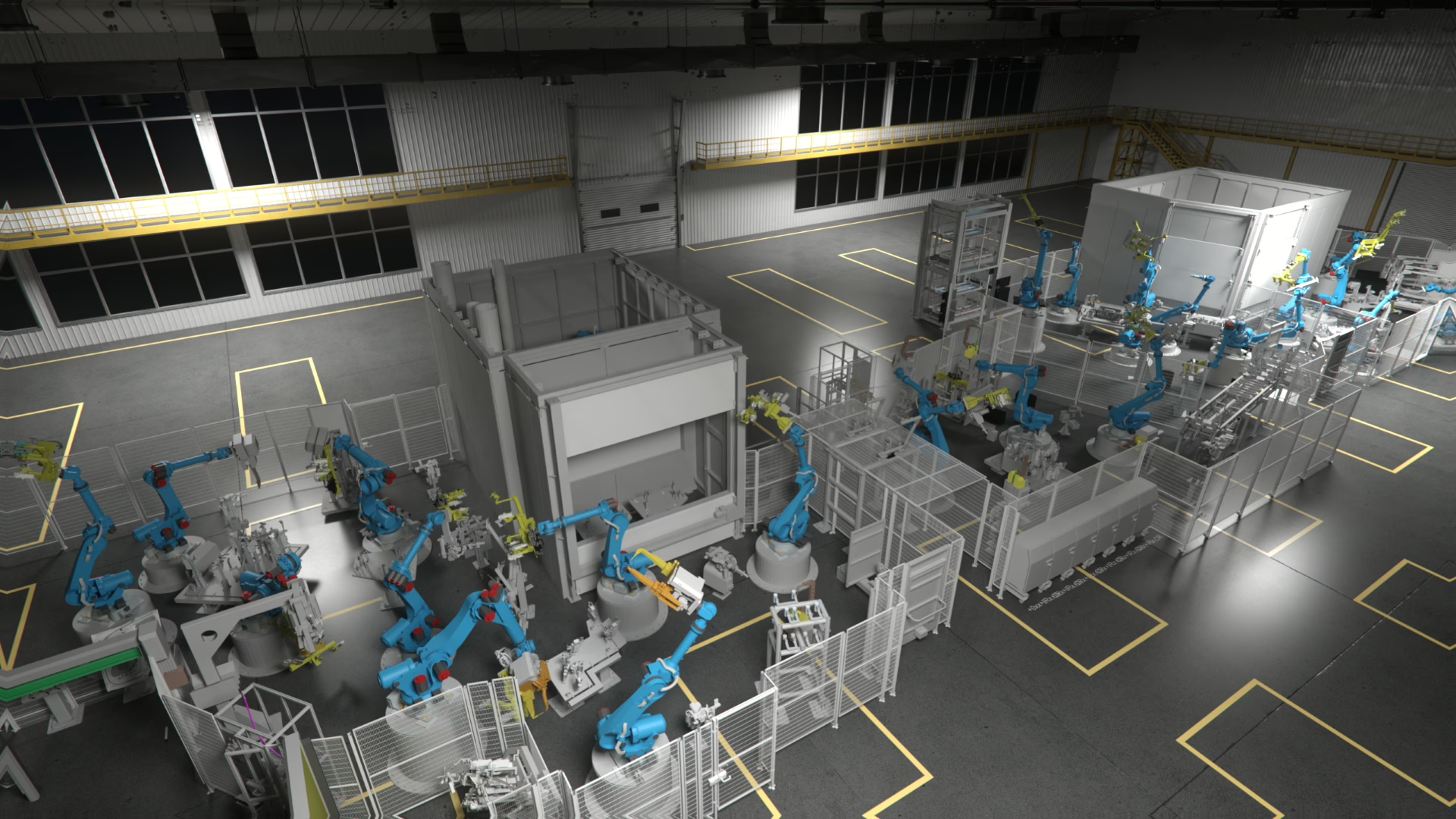
The simulation model built for virtual commissioning does not have to be archived after start-up. It becomes a training environment in which operators, maintenance and setup staff learn the real cell — including areas they can barely reach in reality.
Training on the digital twin
Training normally competes with production: the line has to stop, a trainer has to be present and mistakes have real consequences. On the virtual cell, the same work steps can be shown, tried and repeated as often as necessary — parallel to production, before start-up, or during a shutdown that has not happened yet.
The training environment uses the same model, the same sequences and the same control behavior as the real system. Trainees move through the cell, follow the process, trigger faults and practise the correct reaction — with no risk to people, parts or equipment, and without a single minute of production loss.
Why train virtually
In a running plant, many things are difficult to teach. Areas behind fences, inside enclosures or between stations are hard to see and can only be entered under strict conditions. Rare fault situations cannot be produced on demand, and when they finally occur, there is no time to explain them.
The virtual cell removes these limitations. Views can be opened up, guards can be looked through, sequences can be slowed down, and the situation that happens twice a year can be started whenever it is needed for training.
What teams gain
When a technician has to enter a confined area of the plant, every step should already be familiar: where to stand, what to switch off, in which order to work and how to bring the system back. Virtual training builds that routine before the first real intervention.
Work steps in tight or restricted areas are practised before anyone physically enters them.
Faults are recognized faster and the restart procedure is already known when it counts.
Teams can be qualified while the plant is still being built or installed on site.
Every shift and every new employee learns the same defined procedure in the same environment.
Training scenarios
Scenarios are defined together with your team and built from the existing model. Select a topic to see what a session typically covers.
Trainees follow a complete production cycle, see how stations depend on each other and learn which operator actions the sequence expects at which moment.
What can be trained
The training content follows the real work of the people involved. What matters is not a general introduction to automation, but the specific procedures of this cell, this process and this equipment.
Start, stop, mode changes, part handling and the daily routine of running the cell.
Positions inside enclosures, behind guards or between stations that are difficult to see or enter in reality.
Reading messages, locating the cause and understanding what the system is actually reporting.
Removing parts, re-referencing axes and bringing the cell back to automatic mode in the correct order.
Product changes, gripper or fixture changes and the checks required before production continues.
Jogging, safe positions, program selection and coordination with the surrounding equipment.
Step order, required states of the machine and the interaction between mechanics, electrics and control.
A repeatable introduction to the cell that does not depend on who happens to be available to explain it.
One model, several uses
Building a training system from scratch is expensive. Building it from a model that was already created for simulation and virtual commissioning is not — the geometry, kinematics, device behavior and control logic are there, validated against the real plant.
RF::YAMS provides the dynamic environment in which the cell reacts like the real system, so training shows genuine plant behavior instead of a scripted animation.
What makes it work
Virtual training is not a separate product. It reuses the RF::SUITE components that already represent your plant, extended by the scenarios and views a training session needs.
Runs the cell as a reacting model, so trainees see real sequences, states and consequences instead of a fixed animation.
Explore RF::YAMSRepresents the person in the process, including reachability, working postures and the manual steps a task actually requires.
See the RF::SUITE overviewBrings robot programs and motion into the session so cell handling can be practised with realistic robot reactions.
Explore RF::RobSimSupplies sensor and actuator behavior, including the fault states that make diagnosis and recovery training possible.
Explore RF::ViPerConnects real or virtual controllers so trainees work with the original HMI, messages and control logic of their plant.
Explore RF::FSBoxKeeps model and project data aligned with the as-built plant, so training always reflects the current system.
Explore RF::VPM ToolHow EKS InTec supports you
Depending on what already exists, we prepare the model, build the scenarios, run the sessions with your team or enable your own trainers to work with the environment independently.
The existing simulation or commissioning model is adapted for training use, including views, states and starting conditions.
Together with your specialists we define the situations that matter: procedures, faults, interventions and the expected reaction.
Sessions are held with operators, maintenance and setup staff, on site or remotely, before or during plant operation.
Your team learns to run, adjust and extend the environment so future training does not depend on external support.
After plant changes and retrofits the model is updated so trainees never practise on an outdated system.
If no simulation model exists, the relevant part of the plant can be modelled specifically for training purposes.
Who trains on the twin
Daily handling, operating modes, part supply and the correct reaction when the cell stops.
Access procedures, component locations, required machine states and the order of the work steps.
Changeovers, fixture and gripper changes and the checks that release production again.
Program handling, diagnostics and the effect of a change on the surrounding process.
A consistent introduction to a complex cell without occupying the plant or an experienced colleague.
Qualification while the plant is still being built, so the first day of production is not the first day of learning.
Lifecycle view
The same digital twin supports planning, software validation, ramp-up and later changes. Using it for qualification adds value without adding a second system to maintain.
Every update keeps all of these uses current at once, which is what makes training on the twin sustainable rather than a one-off project.
A second, separate training track
Software training
This is a different subject. Software training is not about operating a plant, but about qualifying engineers to build, connect and use RF::SUITE environments — including the standards, rules and project structures behind them.
Practical qualification on the modules your projects use, from model creation to simulation and analysis.
Working with naming rules, libraries, signal standards and project structures so results stay consistent across teams.
Support on your own project data, so what is learned is applied directly to the plant you are working on.
Dates, contents and levels are described in detail on the software training page.
Frequently asked questions
Your training environment
Tell us which cell, which roles and which situations matter. We will show you what can be built from your existing model and how a first training scenario could look.