




01
PROFINET & PROFIBUS Simulation
Simulate fieldbus devices for PLC communication and virtual commissioning.



Move through every stage of automation with one connected approach.
Explore proven use cases for testing, validation and production optimization.
From initial planning to production-ready systems and automated engineering workflows.
Build reliable virtual commissioning workflows, industrial software and reusable expertise.
 Tools for the Digital Factory
RF::SUITE
One connected platform for engineering, simulation, validation and production intelligence.
Explore RF::SUITE →
Tools for the Digital Factory
RF::SUITE
One connected platform for engineering, simulation, validation and production intelligence.
Explore RF::SUITE →
Choose the tools your workflow needs and connect them within one consistent engineering environment.
 RF::YAMS3D simulation and material flow
→
RF::YAMS3D simulation and material flow
→
 RF::ViPerVirtual periphery simulation
→
RF::ViPerVirtual periphery simulation
→
 RF::RobSimRobot simulation
→
RF::RobSimRobot simulation
→
 RF::SCOUTAnalysis and optimization
→
RF::SCOUTAnalysis and optimization
→
 RF::CEREBData intelligence platform
→
RF::CEREBData intelligence platform
→
 RF::GUARDFixture simulation and validation
→
RF::GUARDFixture simulation and validation
→
 RF::FSBoxHardware for fieldbus simulation
→
RF::FSBoxHardware for fieldbus simulation
→
 RF::EdDiVirtual operator and PLC training
→
RF::EdDiVirtual operator and PLC training
→
 RF::VPM ToolProject and model preparation
→
RF::VPM ToolProject and model preparation
→
We combine simulation, virtual commissioning and industrial software expertise across demanding production environments.
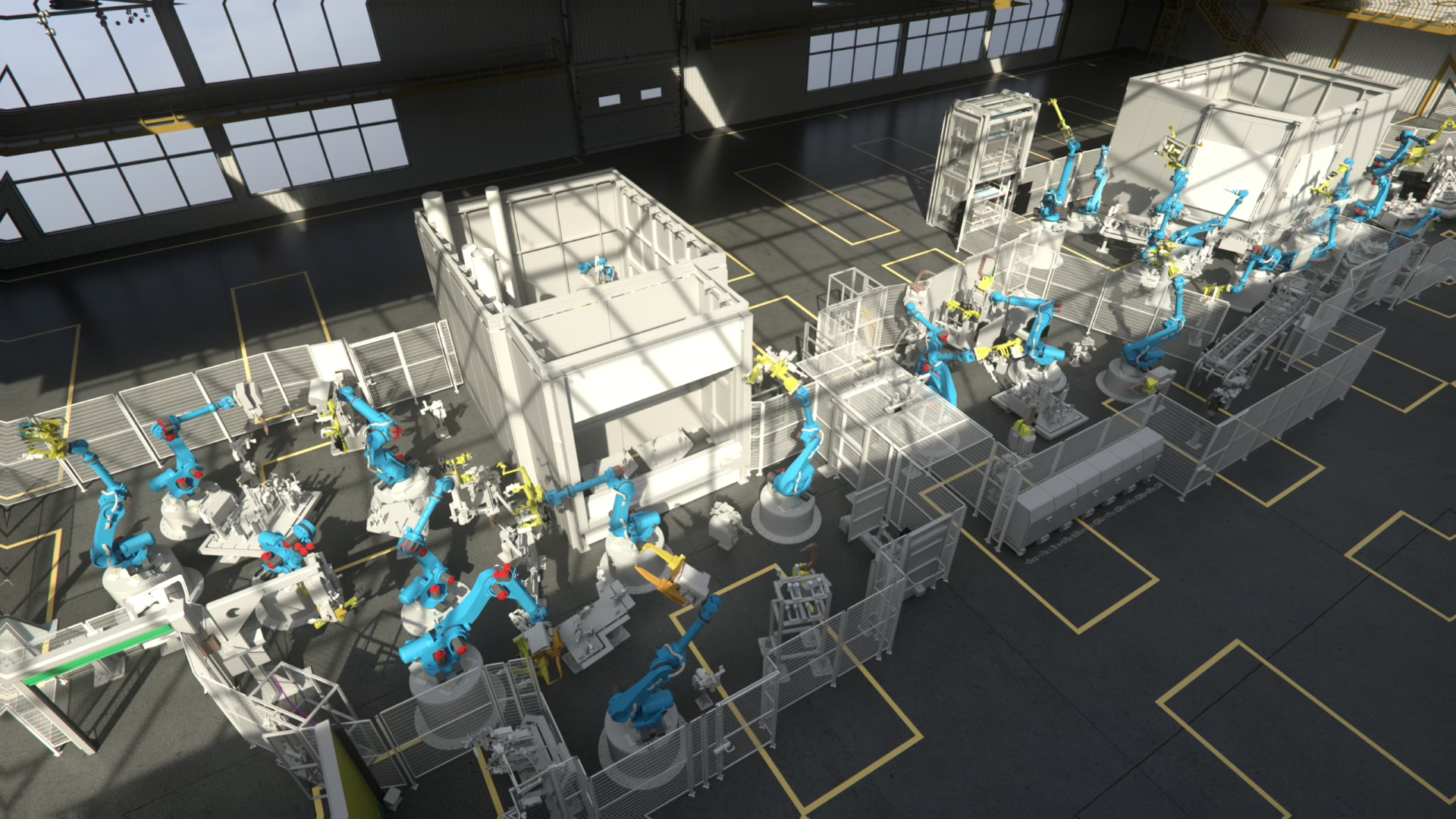
From individual machines to complex production lines: we connect engineering, simulation and operation throughout the entire lifecycle.
RF::SUITE Hardware Product
PROFINET & PROFIBUS Device Simulation
Simulate fieldbus devices. Test PLC communication. Accelerate virtual commissioning.
FS::BOX enables seamless simulation of PROFINET and PROFIBUS devices for virtual commissioning, PLC testing and fieldbus integration workflows.
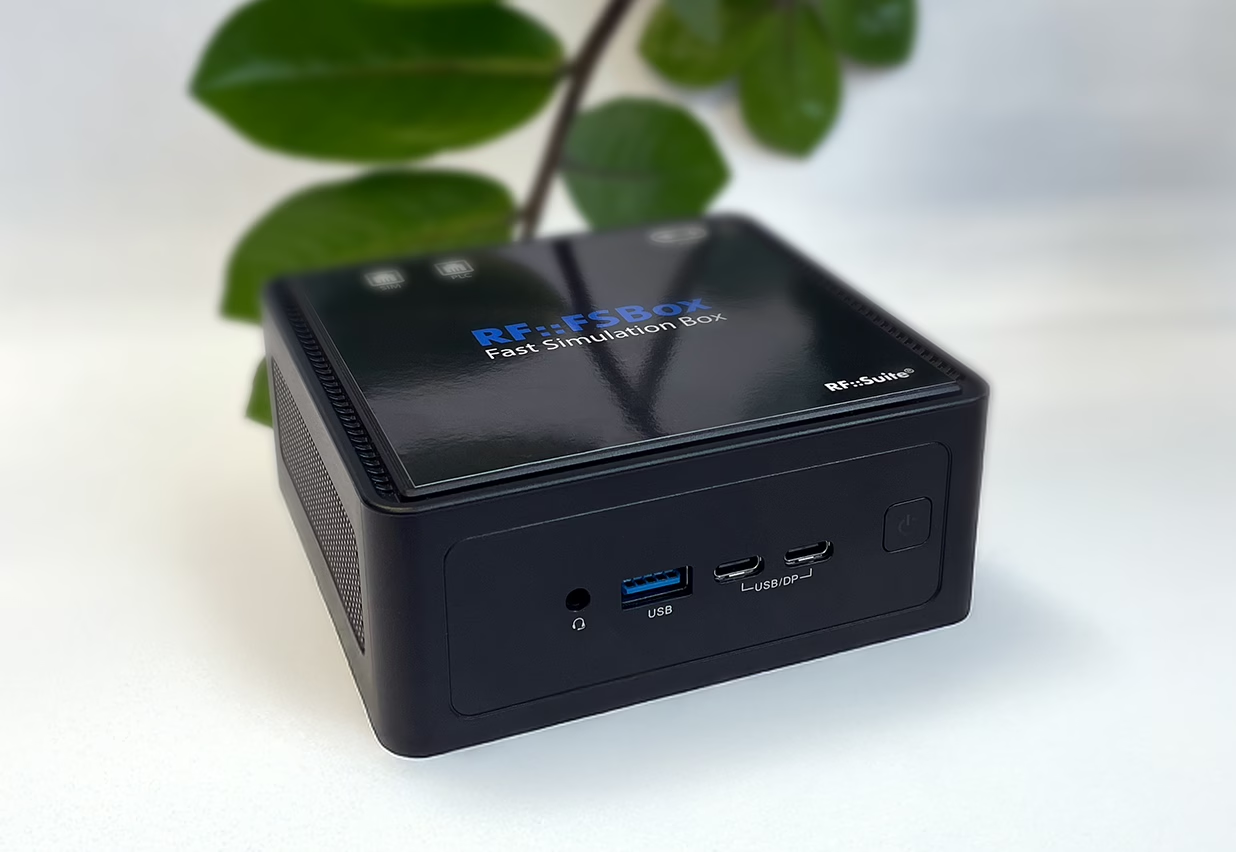
What is FS::BOX?
FS::BOX is a compact hardware solution for simulating PROFINET and PROFIBUS devices in virtual commissioning environments.
It allows connected PLC controllers to interact with simulated fieldbus devices as if they were real hardware.
This supports earlier testing, reduces physical setup effort and helps validate communication behavior before the real system is fully available.
Use FS::BOX to simulate PROFINET and PROFIBUS devices and support faster, more reliable virtual commissioning workflows.